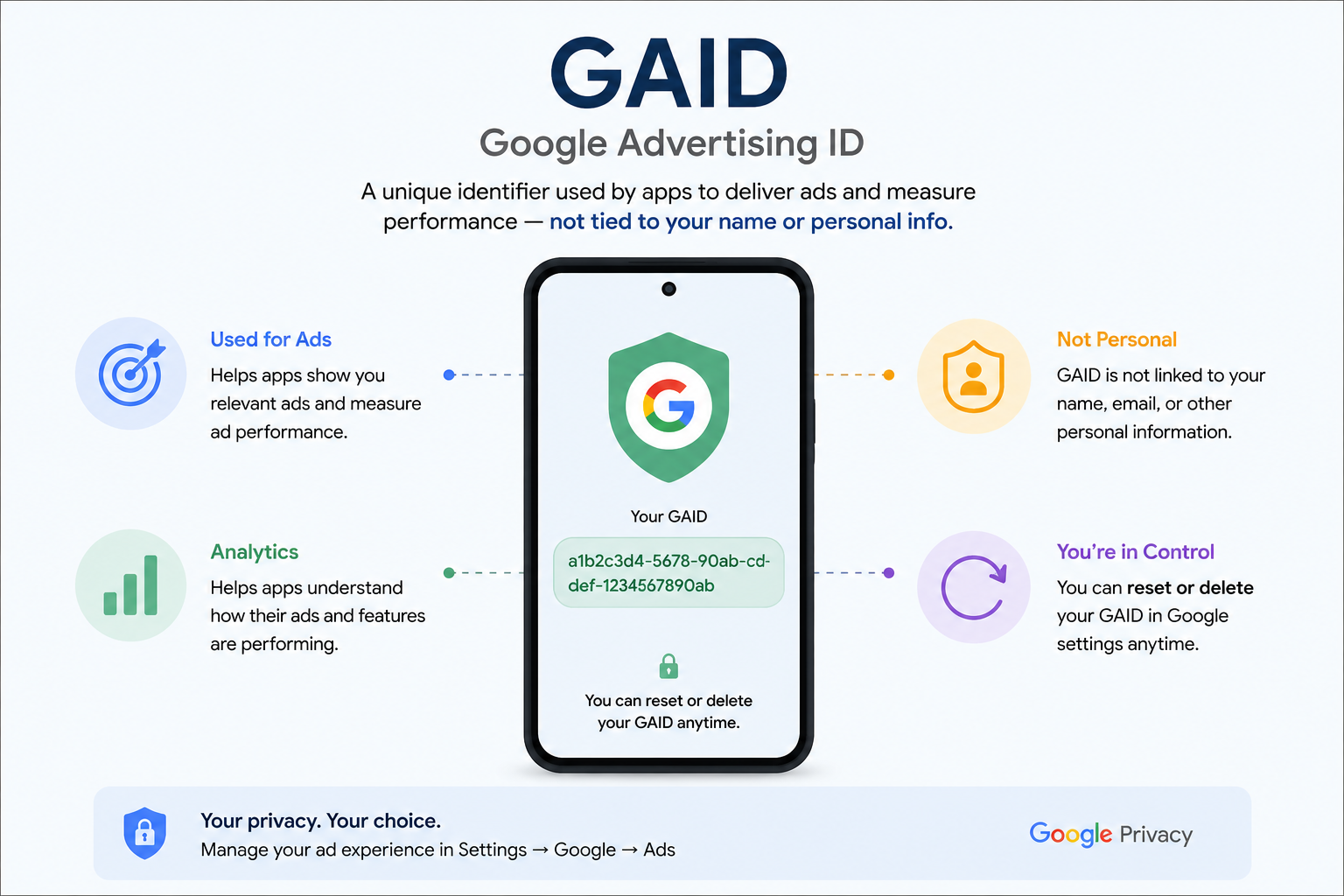
Open your phone's settings right now. Buried somewhere in there is a 32-character code you've never seen, never agreed to, and can't opt out of at setup. It's called GAID — the Google Advertising ID — and it has been quietly following you from app to app since the day you switched on your phone.
Most people have never heard of it. That's exactly the point.
What GAID Actually Is
GAID isn't your phone number. It isn't your IMEI. It's a separate identifier Google assigns to every Android device purely for advertising purposes.
Every free app that shows you ads — your cricket score app, your recipe app, that game your cousin sent you — reads this ID in the background. Each one uses it to log what you do: what you tap, how long you stay, what you search for inside the app.
On its own, that's just one app watching you. The real problem starts when apps start comparing notes.
One ID. Every App. One File On You.
Here's the part that should actually bother you.
GAID isn't locked to a single app. Most Indian apps run ads through the same handful of ad networks — Google AdMob and a few others dominate the market. If two apps you use plug into the same network, that network can link your activity across both, using GAID as the thread.
So your shopping app in the morning, your gaming app in the afternoon, and your food delivery app at night can all feed into one combined file on your habits — without you ever connecting the three yourself.
You didn't introduce these apps to each other. GAID did.
Why This Bites Harder In India
India runs on free apps. Free games, free recharge apps, free horoscope apps — the business model behind almost all of them is ads, which means GAID is doing overtime on practically every phone in the country.
This is also the environment that produced India's instant loan app mess. RBI's digital lending rules had to specifically crack down on apps that were pulling far more data than any loan application needs — contacts, photo galleries, call logs — and using it to pressure people who missed a payment. Several apps were pulled from the Play Store once this came to light.
GAID sits a level below all that. It's not something an app asks permission for. It's built into the phone itself, switched on from day one.
That's the real reason a game you deleted yesterday can still somehow know what you were shopping for last week. The game's job was done in a day. Your GAID kept the file open.
"Anonymous" Data Isn't Really Anonymous
Ad networks love the word "anonymous" when describing GAID data. Technically accurate. Practically, not reassuring.
Put enough signals together — location, app usage, device model, the hours you're active — and a GAID can be traced back to one specific person with uncomfortable accuracy. Researchers have demonstrated this repeatedly. Anonymous on paper. Personal in practice.
Where The Law Stands
India's Digital Personal Data Protection Act, 2023 requires companies to be transparent about what personal data they collect and to give people a genuine way to withdraw consent.
GAID sits awkwardly outside that conversation right now, mostly because so few users know it exists to consent to in the first place. Regulation is starting to catch up. It hasn't caught up yet.
Reset It. It Takes 30 Seconds.
You can't delete GAID permanently — Android will assign you a new one the moment you reset it. But resetting it does break the link between everything advertisers have already learned about you and your device going forward.
Android 12 and above:
Settings → Privacy → Ads → Delete Advertising ID
Older Android versions:
Settings → Google → Ads → Reset Advertising ID
iPhone (IDFA equivalent):
Settings → Privacy & Security → Tracking → turn off "Allow Apps to Request to Track"
Make this a monthly habit. It costs nothing, takes half a minute, and quietly undoes months of profiling.
While you're in that menu, switch on "Opt out of Ads Personalisation" too. It won't stop ads. It just stops them from being built around a file that follows you everywhere.
Your phone was never going to tell you about GAID on its own. Now you know where to look.